

From incoming documents to ready-to-use data.
Explore the workflow
THE PROBLEM
The format changes. The work should not.
Orders and business documents arrive as PDFs, spreadsheets, email attachments and customer-specific files. Teams spend time rekeying, standardizing and chasing missing information before the real work can begin.
HOW OrbitFLOW WORKS
From fragmented input to controlled transaction flow.
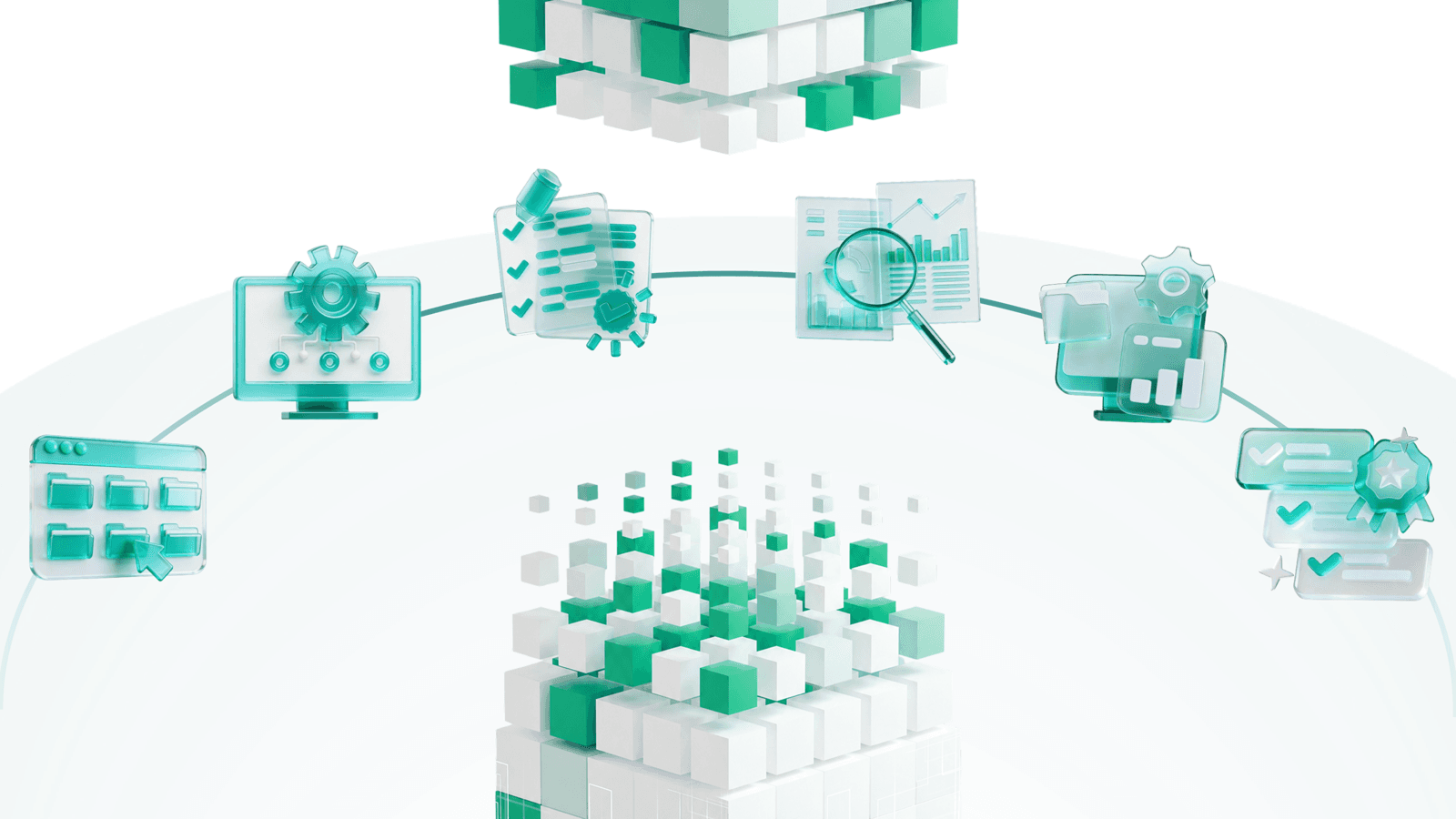

Ingest
Collect files from email, upload, folders or connected workflows.

Interpret
Recognize document types and extract required fields across varying layouts.

Enrich
Add reference data and business context not contained in the source.

Validate
Apply rules and send incomplete or uncertain items for review.

Map
Convert the data to the field structure the destination requires.

Deliver
Send structured output to the next system or operational workflow.
DIFFERENTIATOR
Extraction is only the first step.
OrbitFLOW prepares information for operational use. It can standardize values, add context, apply rules and shape the data for what happens next.

Built for the work after capture.
Multiple formats in
Handle PDFs, spreadsheets, images and other supported business files.
Business context added
Enrich extracted information with reference data and process-specific logic.
Exceptions made visible
Route missing, uncertain or non-compliant items for human review.
Structured outputs out
Deliver mapped files, system inputs or API-ready data.
Where OrbitFLOW can fit.
Order intake
Create structured order data from customer files and attachments.
Finance documents
Prepare invoices and supporting documents for downstream processing.

Master data
Build product, item or supplier records from supplied information.
Shipment documents
Extract and prepare logistics information for operational workflows.
HOW WE DELIVER
Technology handles the flow. Our teams remain accountable.
Neo Tangent applies OrbitFLOW within a managed service designed around your process. We configure the inputs and outputs, monitor the workflow, and manage exceptions where business risk or data uncertainty requires human judgment—while working alongside the systems you already use.

Bring us the documents—and the operation around them.
Show us the inputs, the target information and the decisions that follow. We’ll map how a technology-enabled managed service can improve the flow.
Discuss your document operation